I want to invite my friend to play chess, but they never played on SparkChess before – what’s the easiest way to do it?
You can easily invite your friends to play with you. Assuming you’re logged in to multiplayer in a playing area, below the list of available players there are some button. Click on “Link invite”.
A new window will pop up:
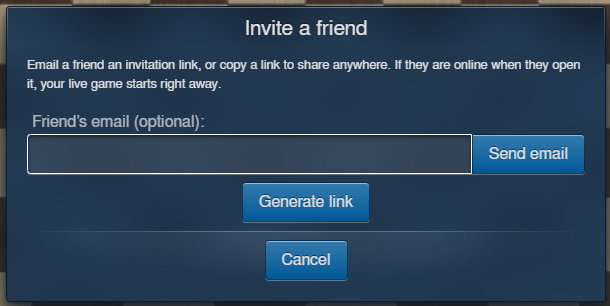
Here you can enter your friend’s email and click “Send”, or just click on “Generate link”. You can share that link or just copy it to clipboard and send it to your friend. Next, you wait for your friend to click on the link.
Your friend just clicks on the link and SparkChess will open online, directly at the login screen. There they can log in, create an account, or skip by clicking “Guest login”. Once logged in, the game will start!
Have fun!